Question:
I need to search for all tenancies that are fully managed, how can this be done?
Solution:
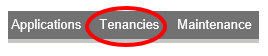
Go to the Tenancies tab.
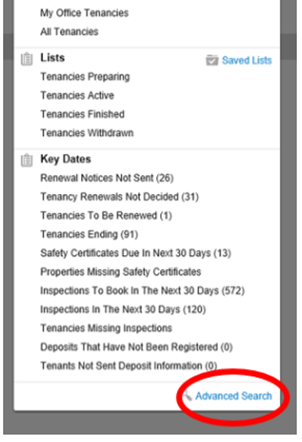
Click on the Advanced Search option at the bottom of the dropdown.
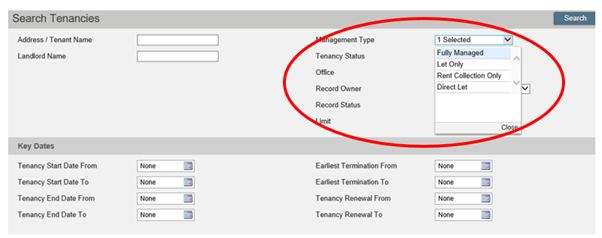
From the Management Type dropbox, select which Management Type you wish to generate a list of. Then click Search.
Once the list has been generated you will be able to Export the data or Print List from the top of the screen.
Please note: Export is a user permission.
Was this article helpful?
0 out of 0 found this helpful
We're sorry to hear that. Can you tell us what went wrong?
We’re glad we could help! Is there anything you'd like to share with us?
This form is for Help Centre/Article feedback only.
This form is for Help Centre/Article feedback only.
Thank you! Your feedback helps us improve the Help Centre/this article for everyone.
Thank you! Your feedback helps us improve the Help Centre/this article for everyone.
Can't find what you're looking for? Contact support
